Converty
Convert, compress, fix. Right on your iPhone.
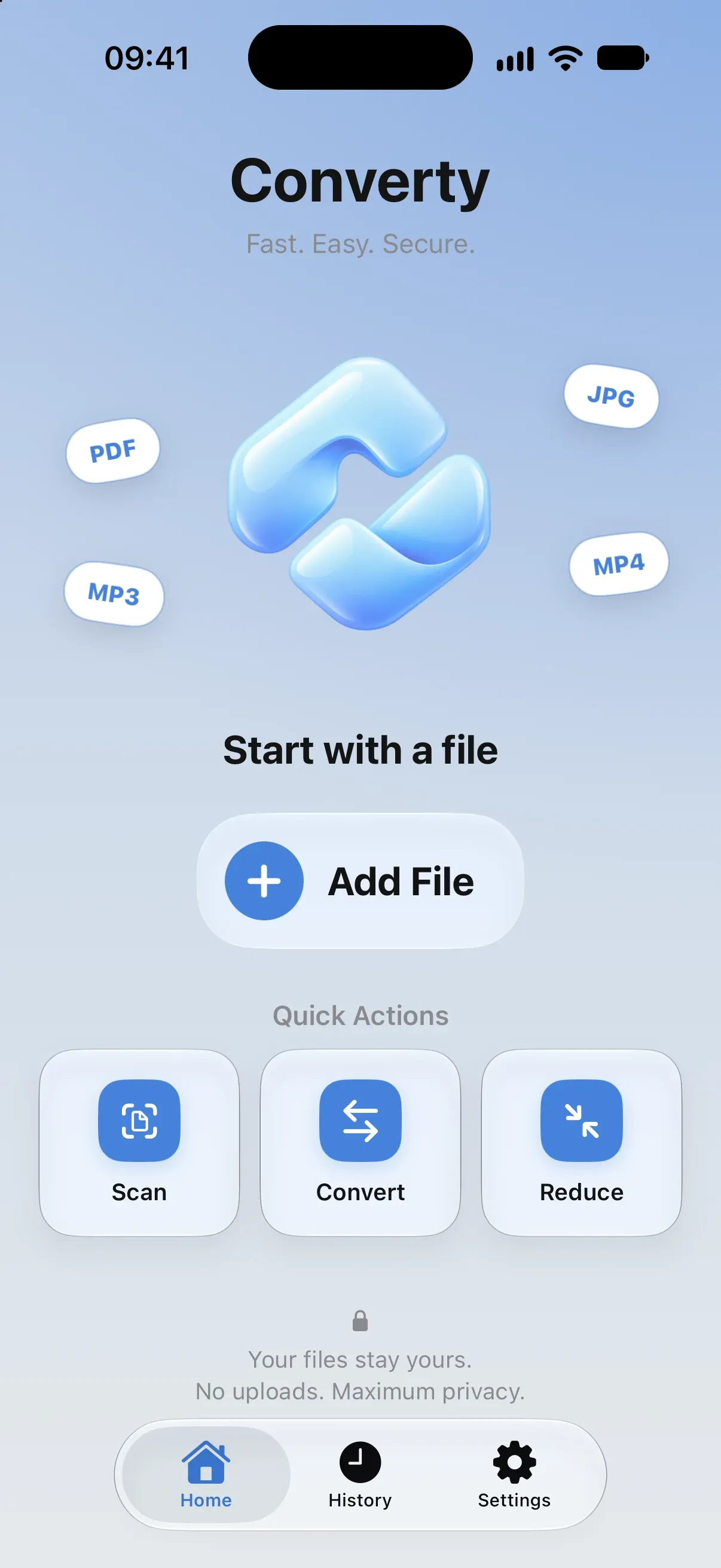
Converty converts, compresses and fixes your files in a few taps — entirely on device. No server uploads, no account, no ads.
Highlights
- 0Files sent to a server
- OfflineWorks without a connection
- 48Languages
Screens
Features
Convert anything
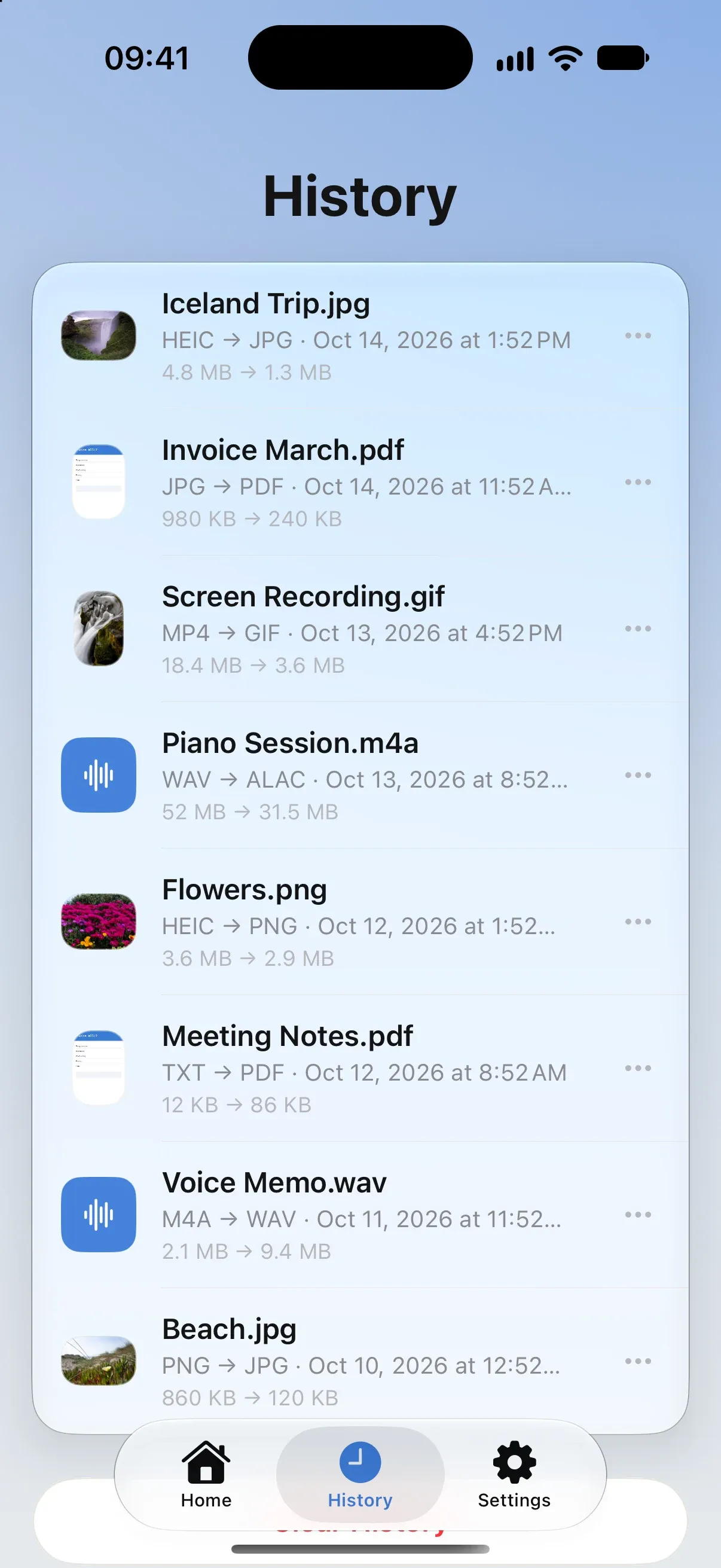
Images between HEIC, JPG and PNG, RAW and AVIF photos, documents into PDF, videos into GIFs and audio tracks into M4A, WAV or Apple Lossless — even from the share sheet.
Shrink file size
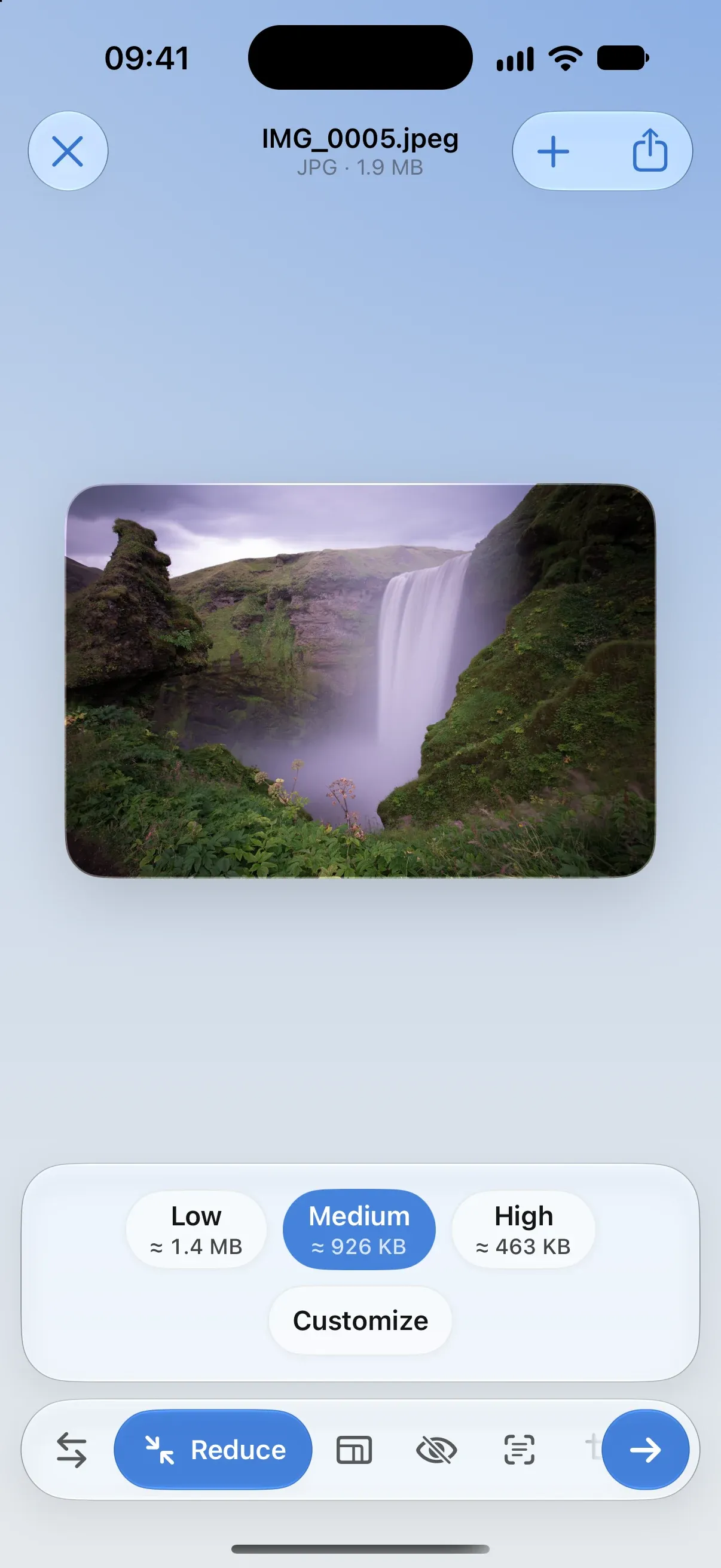
Compress in one tap with an estimate of the final size, or set the quality, the exact size or the pixels yourself.
Visual PDF tools
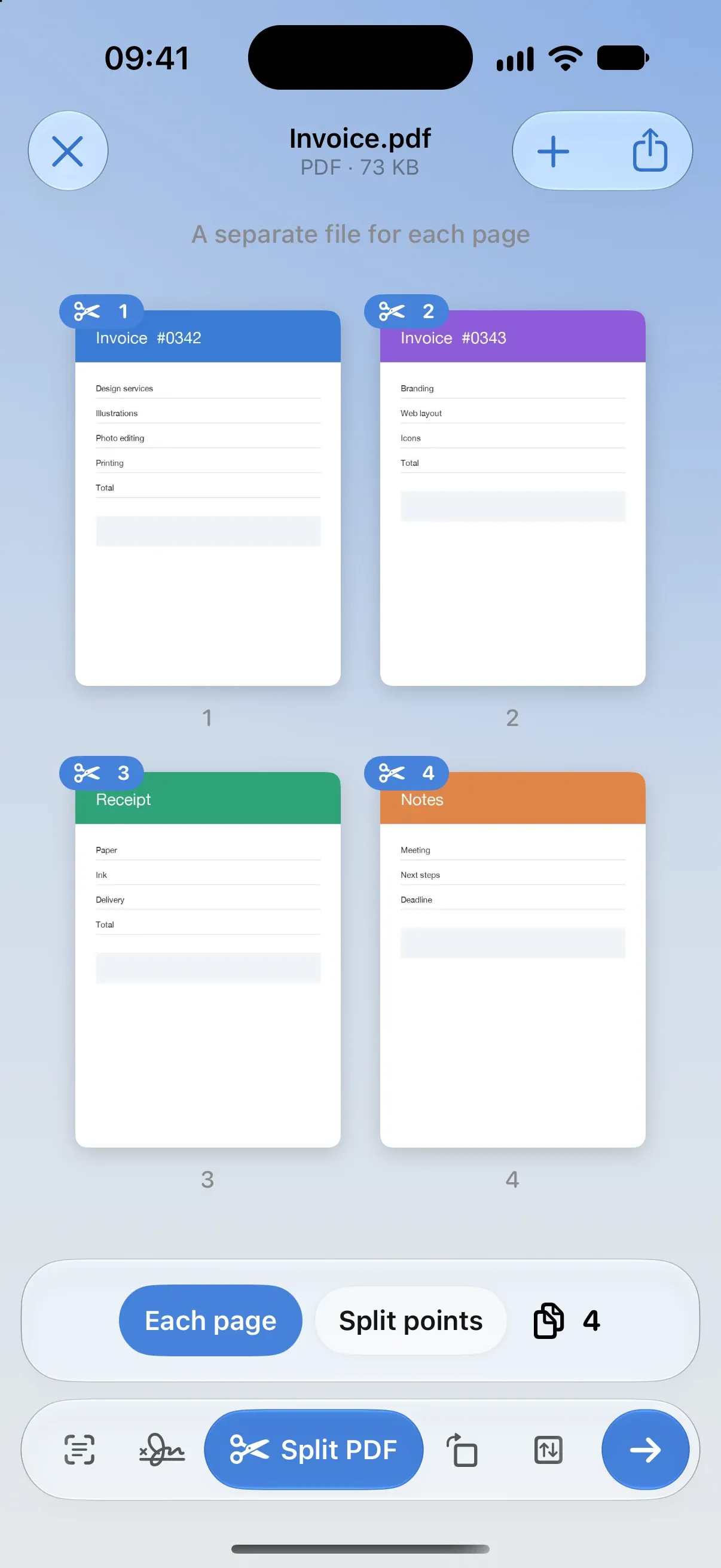
Fill in forms and sign, then split, rotate, reorder, extract and merge pages by moving them around.
Scan and recognize
Scan a document and Converty names it from its content. Extract the text from any photo, then edit it or save it.
The design
- 01 — The problem
Converting a file usually means shady websites, ads and uploads of private documents to unknown servers.
- 02 — The approach
An open file is a single screen, like Edit in Photos — a large preview, actions in a glass bar, and edits made right on the pages, videos and crops. No sheets, no abstract sliders.
- 03 — The outcome
A utility that feels like part of the system, with the Mac version coming on the same foundation.
Tech specs
- Platforms
- iOS
- macOSComing soon
- Stack
- Swift · SwiftUI · PDFKit · AVFoundation · Vision · Foundation Models
- Role
- Product design, UI/UX, development
- Year
- 2026
- Status
- Live